
The Tracker
GrindLab Tracker, the free desktop app for Windows and macOS: installing, signing in, importing your hands, and a tour of the pages, from the dashboard to goals.
GrindLab Tracker is GrindLab's desktop app. It follows the folders where your rooms save your hands, imports them while you play and sends them to your account. From them it builds your results, your sessions, your statistics and your opponents'. It is what fills My Hands and Games.
Installing
You download the Tracker from the Tracker page, once signed in.
- Windows 10 and 11: a signed installer, installed for your user only (no administrator rights needed).
- macOS 12 and later, Intel and Apple Silicon: a
.dmgsigned and notarized by Apple.
It updates itself: the new version downloads in the background, then “Install & restart”; otherwise it installs when you close the app.
Signing in
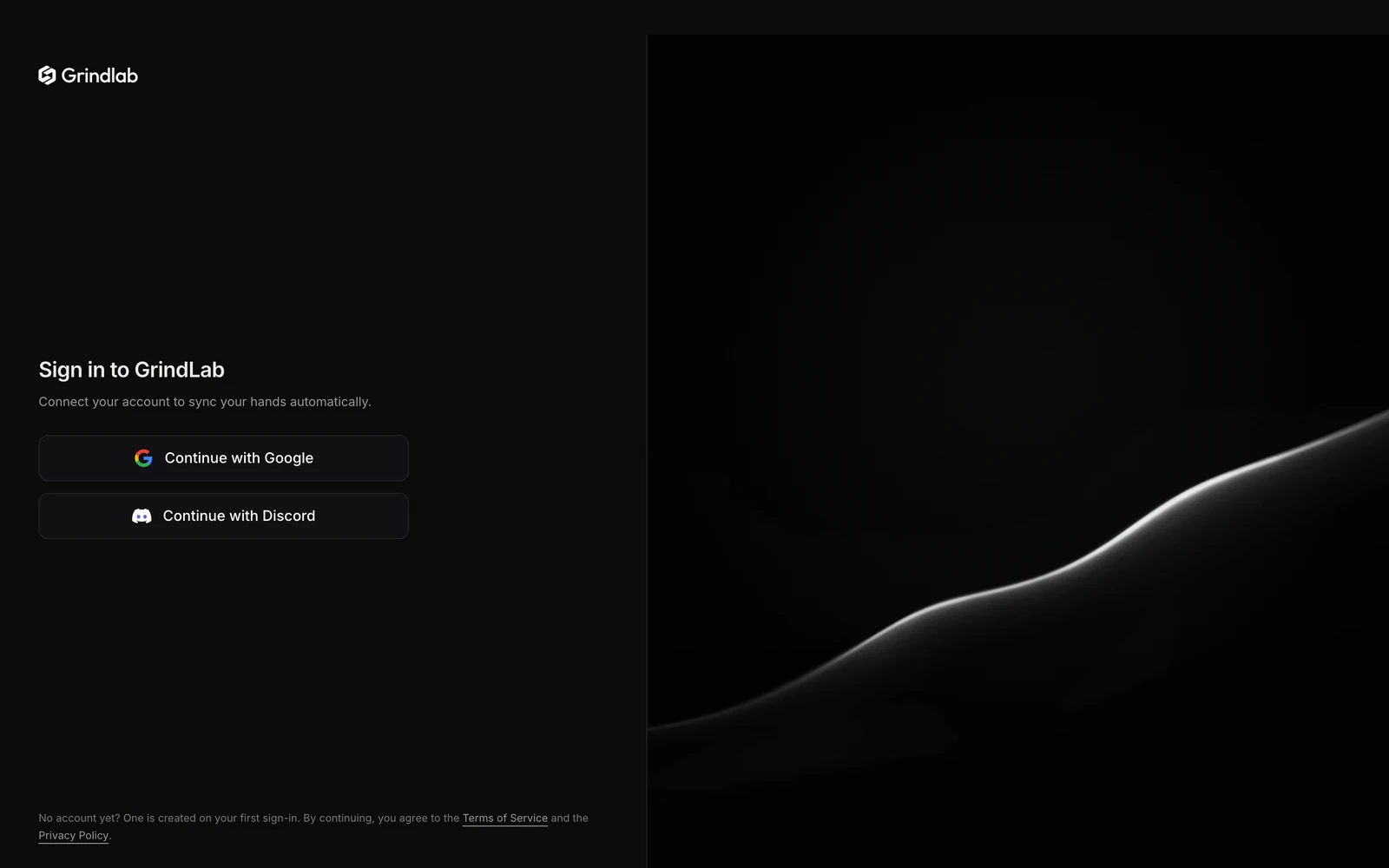
On first launch, “Sign in to GrindLab” offers “Continue with Google” or “Continue with Discord”. You finish signing in in your browser. Use the same account as on the website: that is what links your hands to the Lab. If you have no account yet, it is created then.
Importing your hands
The first time you open it, the dashboard shows only the “Import Your Hands” block: pick your room, then the folder where it saves your hands. The Tracker reads the history already there, then follows new hands. Details in Import & Sync.
The menu
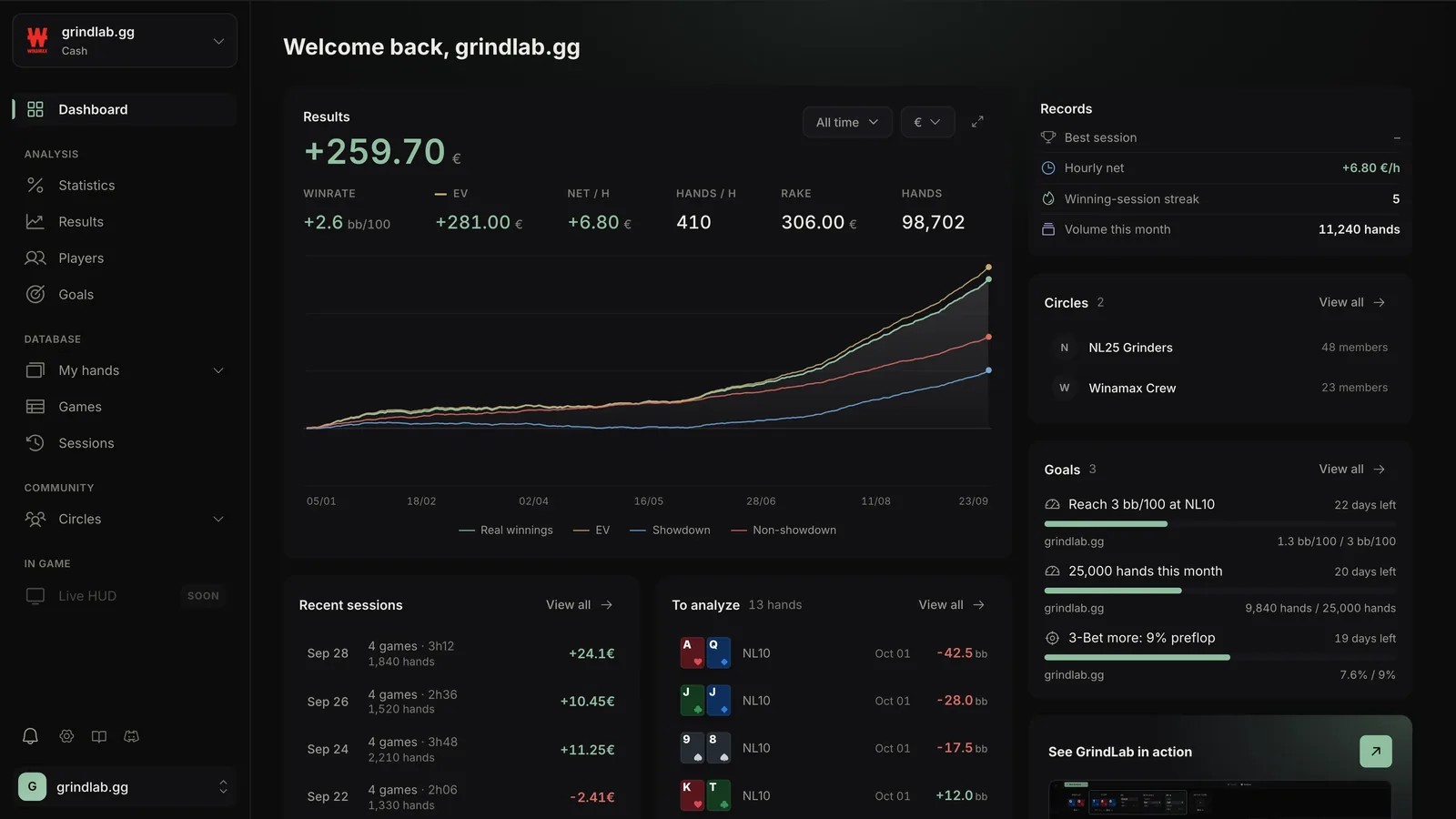
At the top, the hero chip picks the screen names shown and the format: cash, tournament or spin. The same screen name on two rooms counts as two heroes; the star marks your favorite. This choice applies to every page. During a session, the “Live” box shows under it and opens the current session.
- Dashboard: results, curve, records, shortcuts. See Results.
- Analysis: Statistics, Results, Players, Goals.
- Database: My hands, Games, Sessions.
- Community: your Circles, opened in the browser.
- In game: the HUD.
At the bottom: the sync line (import status), notifications, settings, this guide, Discord and the version. The account menu holds “Guided tour”.
From the Tracker to the Lab
In My hands, a hand's menu offers Mark “to review” (the hand joins the “To analyze” view and card) and “Start an analysis”, which opens it prefilled in the Lab, in your browser. Hands also open in the replayer, with each opponent's stats as of the date of the hand, your tags, your notes and sharing.
Analysis is closed while you play: “Analysis is unavailable while you play”. Most rooms forbid decision-support tools during play.
The HUD
The HUD shows your opponents' statistics right on your Winamax tables: a plate under each player, a card on hover, your notes and hand marking. It is part of the Grinder plan. It is all described in The HUD.
Streamer mode
When you stream or record your screen, streamer mode hides what identifies you and your opponents. Your data doesn't change: only what is shown is masked.
As soon as a streaming or recording app is open (OBS, Streamlabs, XSplit…), a banner at the top of the Tracker says so and offers "Turn on streamer mode". Once the mode is on, the banner stays for the whole live, with "Settings" and "Turn off". The ⌘⇧S shortcut (Ctrl+Shift+S on Windows) turns it on or off from any screen.
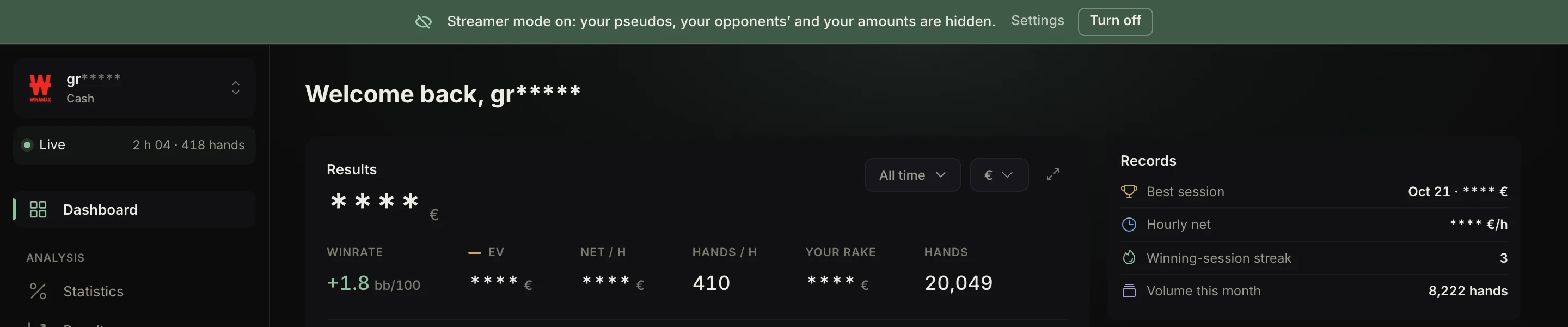
In streamer mode:
- your pseudos and your account (name, email) keep only their first two letters, followed by asterisks: in the hero picker, in Settings and everywhere else;
- your opponents' pseudos are masked the same way, and become "Villain 1", "Villain 2"… in the replayer;
- amounts (winnings, bankroll, buy-ins) are replaced by asterisks; bb, bb/100 and stats stay visible;
- the HUD stays on screen for you, but it is left out of screen captures.
Settings › Streamer mode has three settings: the mode itself, "Automatic activation" (the mode turns on as soon as a streaming app is open, and off when you close it) and "Hide amounts", to switch off if you show your results.
What is free
The Free plan imports up to 10,000 hands, a cumulative counter (deleting hands does not free up room). At 90%, “Almost at the limit”; at the limit, “Collection paused”: new hands are no longer recorded, the others stay available.
| Free | Grinder | |
|---|---|---|
| Period | last 30 days | any |
| Unit | BB | BB or currency |
| Curves | actual winnings | + EV, showdown, non-showdown, rake |
| Statistics | VPIP, PFR, 3-Bet, C-Bet, Fold to c-bet SRP, WTSD, W$SD | all, by position and by street |
| Players | list, partly blurred | player cards and profiles |
| My hands | basic filters | + spot, combo, opponent |
| Goals | 1 | up to 50 |
| Hands imported | 10,000 | unlimited |
The rest is visible but blurred: a click opens a window presenting the Grinder plan.
Quitting the Tracker
On Windows, closing the window quits the app; on macOS, it keeps running until you quit it. Quitting during an import asks for confirmation: nothing is lost, the import resumes at the next launch.