GrindLab vs Xeester: Two Trackers for the Winamax Player
On the French market, Xeester holds a special place: it is one of the trackers Winamax players mention most, and it has supported the room for a long time.
GrindLab Tracker targets the same player with a different approach: a free tracker, synced to an account, native on Mac, and tied to a decision analysis tool. If you are looking for a Xeester alternative, this comparison sticks to what is well known about Xeester; for its current list of rooms, platforms and business model, check the publisher's site, which updates its offer.
What Xeester does
Xeester is a tracker with a HUD: it reads your hand histories, computes your stats and your opponents' stats, and shows them on your tables. Its reputation in France comes from its long-standing Winamax support and a French-speaking community that has used it for years.
For a player who has set it up to taste, it is a familiar tool, and that familiarity has real value: a HUD you read without thinking beats a richer HUD you have to decode.
What GrindLab Tracker does
GrindLab Tracker is GrindLab's desktop app, for Windows and macOS.
- Automatic import. It follows the folder where Winamax (or PokerStars, PMU, Unibet; Betclic via export) saves your hands and imports them while you play.
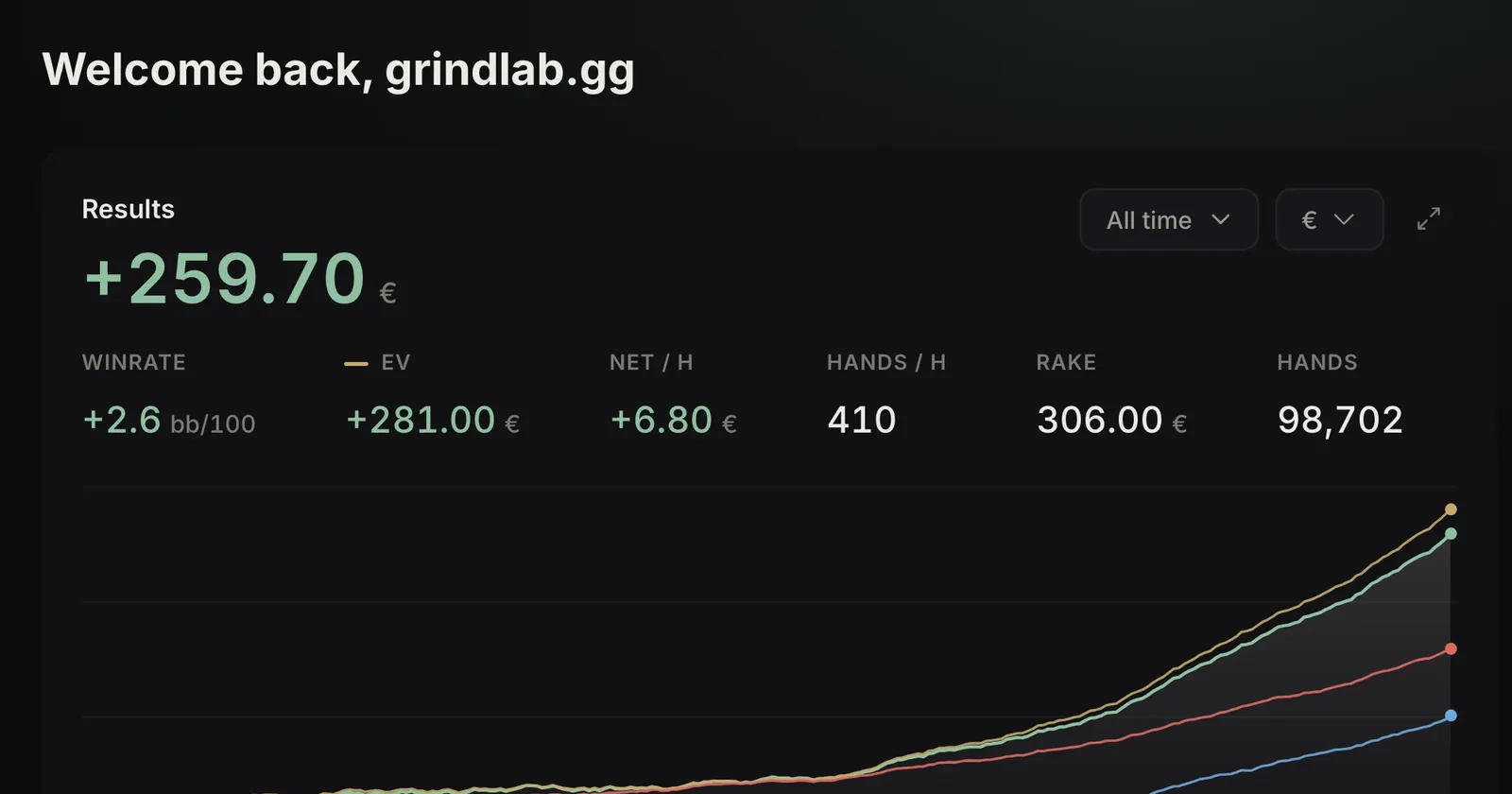
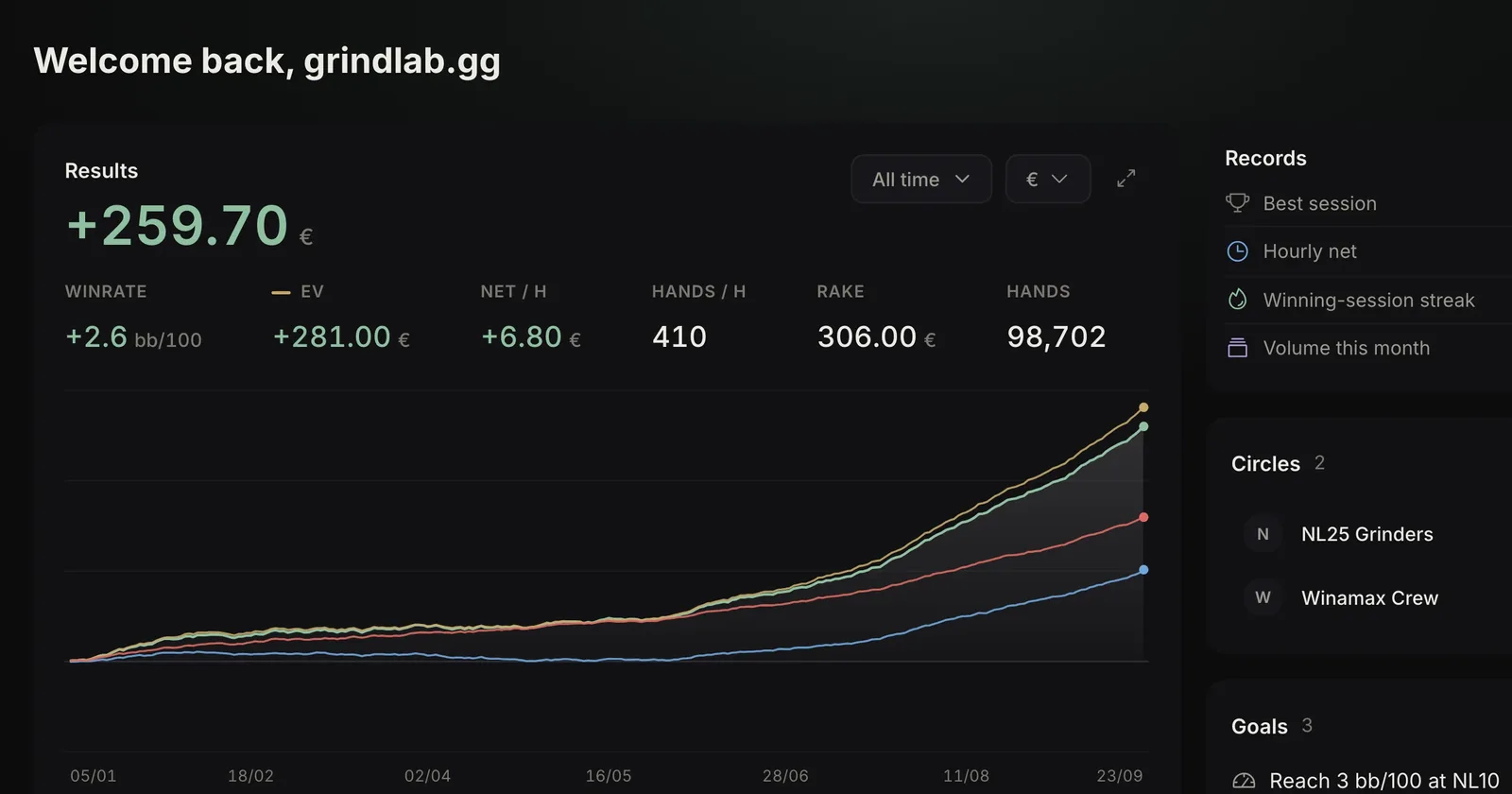
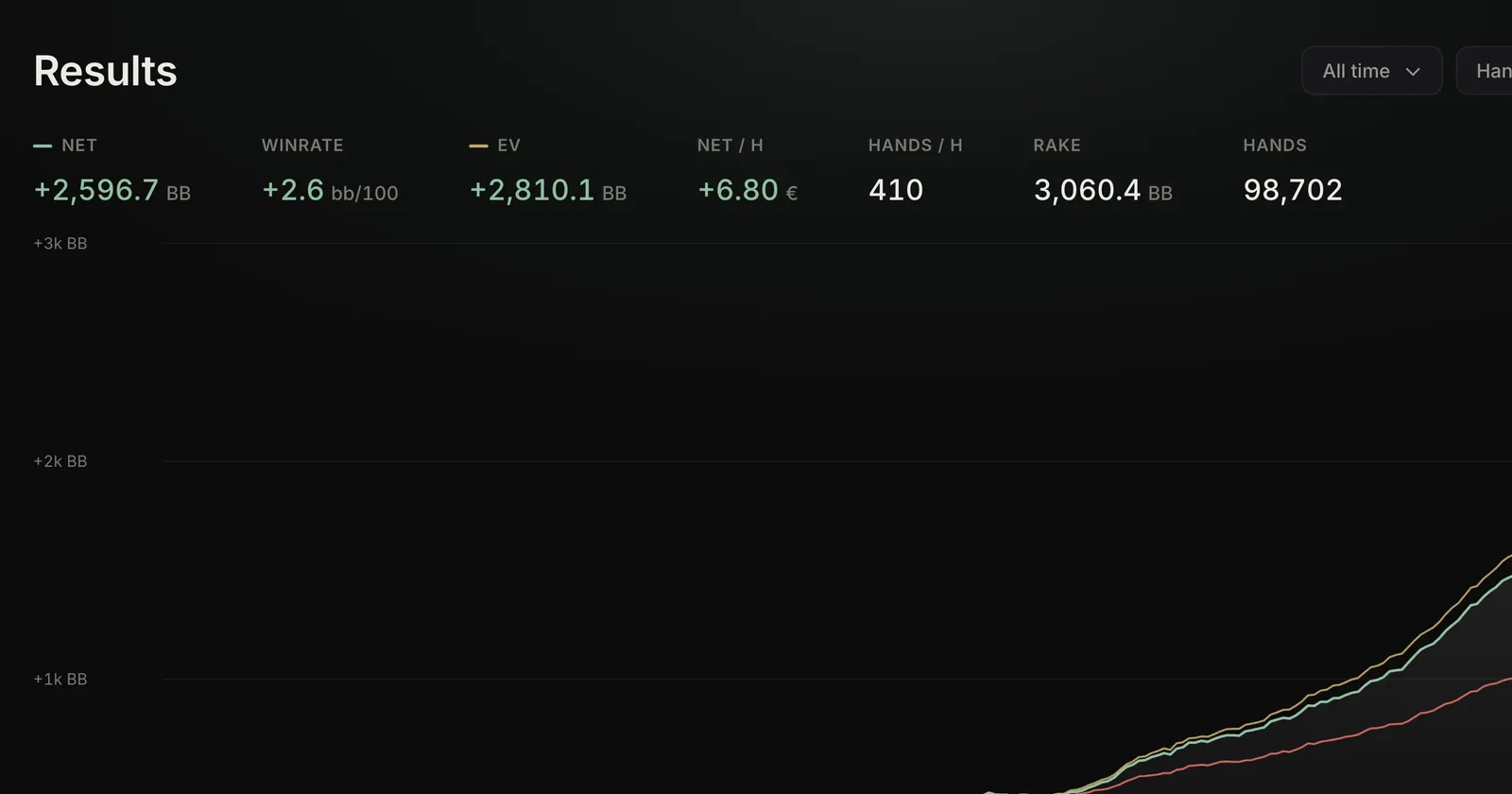
- Results and sessions. Winnings curve, sessions, tournament results.
- Statistics. Around fifty preflop and postflop stats, by position and by street, compared with your field. See GrindLab poker stats.
- Players. Profiles, player types and notes on your opponents. See track opponents with GrindLab.
- HUD on Winamax (Grinder plan): a plate with three numbers under each player (VPIP, PFR and 3-bet in cash by default; VPIP, PFR and steal in tournaments; VPIP, open shove and call versus a shove in Spins), a card on hover, typed or dictated notes, and a bookmark that marks the previous hand “to review”.
HUD details are in our article on the GrindLab poker HUD and in the HUD guide.
GrindLab's HUD on Winamax, in practice
For a Winamax player, the concrete question is: what do you see on the table?
Three conditions to turn it on. Your Winamax hand history folder must be connected to the Tracker (that is how the HUD recognizes players). Your tables must be undocked: Winamax's combined view has no HUD. On macOS, the Tracker asks for the “Screen Recording” permission, used only to read the tables' position and title: no picture is taken. On Windows, there is nothing to allow.
The plate. Under each opponent, three numbers and the number of hands played with them. A number turns orange above the high threshold, blue below the low one, gray when it rests on fewer than 10 opportunities. A pencil flags a note, a colored outline the player type you gave them.
The quick card. On hover, a card groups the stats by line: preflop, aggression, defense, showdown. In tournaments, a chart gives access to the player's SharkScope results, but only after your session.
Useful gestures. The N key notes the player under the mouse, D dictates a note (30 seconds at most), and the bookmark at the top of the table marks the previous hand “to review”. Plates can be placed by hand, and the placement applies to every table of the same size.
Logo mode. For an uncluttered table, each plate becomes a small logo that opens the card on hover. Small tables switch to logos on their own.
If HUD stats are new to you, our article on VPIP and PFR stats explains how to read those three numbers and what to conclude from them.
What GrindLab adds
The Lab. This is the core difference. A hand marked during the session opens prefilled in the Lab, in your browser. You build your opponent's range there, combo by combo, and read the equity and EV of each action. The Lab is closed during the session (most rooms forbid decision aids in game) and reopens afterward.
A synced account. No local database to back up: your hands follow you from one machine to the next and stay available in the browser.
Native on Mac. macOS 12 or later, Intel and Apple Silicon, signed and notarized. See Mac poker tracker.
A free plan with no hand limit. Results and seven key stats over 30 days on Free; everything else, HUD included, on Grinder. Pricing on the pricing page.
Circles. Groups where you share hands and get reviews, useful for a study group or coaching.
What GrindLab does not do
- No HUD outside Winamax. On other rooms, the Tracker imports your hands but shows no HUD.
- No combined view. The HUD needs undocked tables, one window per table.
- No Omaha. GrindLab covers No-Limit Texas Hold'em, 2 to 9 players, in cash, tournaments and Spins.
- No solver. The Lab prices exploitation, not equilibrium. See poker solver.
A HUD does not replace analysis
Whatever the tool, a HUD answers one question: "what does this player do, in general?". It does not tell you whether your river call was right. With few hands, the numbers are fragile (that is why the plate turns gray under 10 opportunities in GrindLab), and even with many hands, a frequency describes a tendency, not a specific hand.
That is why GrindLab ties the HUD to the Lab: the plate helps you classify the opponent during the hand, the Lab helps you price the decision afterward. For a review method, see how to review poker sessions.
Comparison table
| Criterion | GrindLab Tracker | Xeester |
|---|---|---|
| Winamax | Import and HUD (Grinder plan) | Supported, HUD |
| Other rooms | PokerStars, PMU, Unibet, Betclic (export), other folder; no HUD | See publisher |
| Platforms | Windows and native macOS | See publisher |
| Model | Free plan with no hand limit, Grinder subscription | See publisher |
| Storage | Synced account, available in the browser | See publisher |
| Equity and EV analysis | Yes, the Lab | See publisher |
| Ranges | Editor, folders, file import | See publisher |
| Sharing and review | Links, circles | See publisher |
| Languages | EN, FR, ES | See publisher |
Trying GrindLab while keeping Xeester
Switching trackers mid-season is never pleasant. The right method is to run both:
- Install GrindLab Tracker from the Tracker page, on Windows or Mac, and sign in with Google or Discord.
- Choose Winamax and point it at the folder where the room saves your hand histories. The Tracker recognizes your screen names and imports your existing history.
- Play for a week with your usual HUD. GrindLab imports in the background.
- After each session, open the hands that gave you trouble in the Lab. The Lab stays closed while you play, then reopens 20 minutes after your last hand, or as soon as you end the session.
- Compare what each tool taught you. If you want to test GrindLab's HUD, the Grinder plan has a 14-day trial on the first subscription.
Verdict: which one fits your profile
You are a beginner on Winamax. GrindLab. The free Tracker shows your real results, and the Lab teaches you to think in ranges. If you are just starting, also read how to play poker.
Cash regular on Winamax. Both cover your room. Choose Xeester if your HUD is already set up and you are not looking for anything else; GrindLab (Grinder plan) if you want the spots you mark at the table to end up analyzed in the Lab. The Winamax poker tracker guide covers the setup.
Tournament player (MTT, Expresso). GrindLab imports your tournaments and Spins, tracks your tournament results, and adapts the HUD plate to the format. For ICM, the Lab has no model: use the ICM calculator.
Coach. GrindLab, for circles and hand sharing with hideable screen names.
On Mac. GrindLab, native and signed.
Still unsure. Install both: they read the same files without conflict, and within a few sessions you will see which one you actually open.
Key takeaways
- Xeester is a long-standing tracker and HUD on the French market, with Winamax support.
- GrindLab Tracker is free with no hand limit, native on Mac, with a Winamax HUD on the Grinder plan.
- The core difference: the Lab, where a marked hand becomes a priced decision.
- The two tools coexist on the same hand histories.
To compare with the other trackers on the market, see our overview of the best poker software and the comparison with PokerTracker 4. To try it, download the free poker tracker.