GrindLab vs Holdem Manager 3: Measuring or Deciding?
Holdem Manager 3 is, with PokerTracker 4, one of the two long-standing pillars of online tracking. Local database, detailed reports, configurable HUD: a generation of regulars learned to play with its numbers in front of them.
GrindLab Tracker starts from another idea. Tracking is not the goal: it is the raw material for analysis. This comparison puts the two side by side, says honestly where Holdem Manager 3 stays ahead, and ends with a verdict by profile. If you are looking for a Holdem Manager alternative, this is the short version of the trade-off.
The facts about Holdem Manager 3 are limited to what is well known and stable. For license details and the exact list of rooms, refer to the publisher's site.
Two philosophies
Holdem Manager 3 is a measuring tool. Your hands are stored in a database installed on your computer, indexed and filterable. Reports and the HUD are the two ways of reading that database: after the session for one, during it for the other.
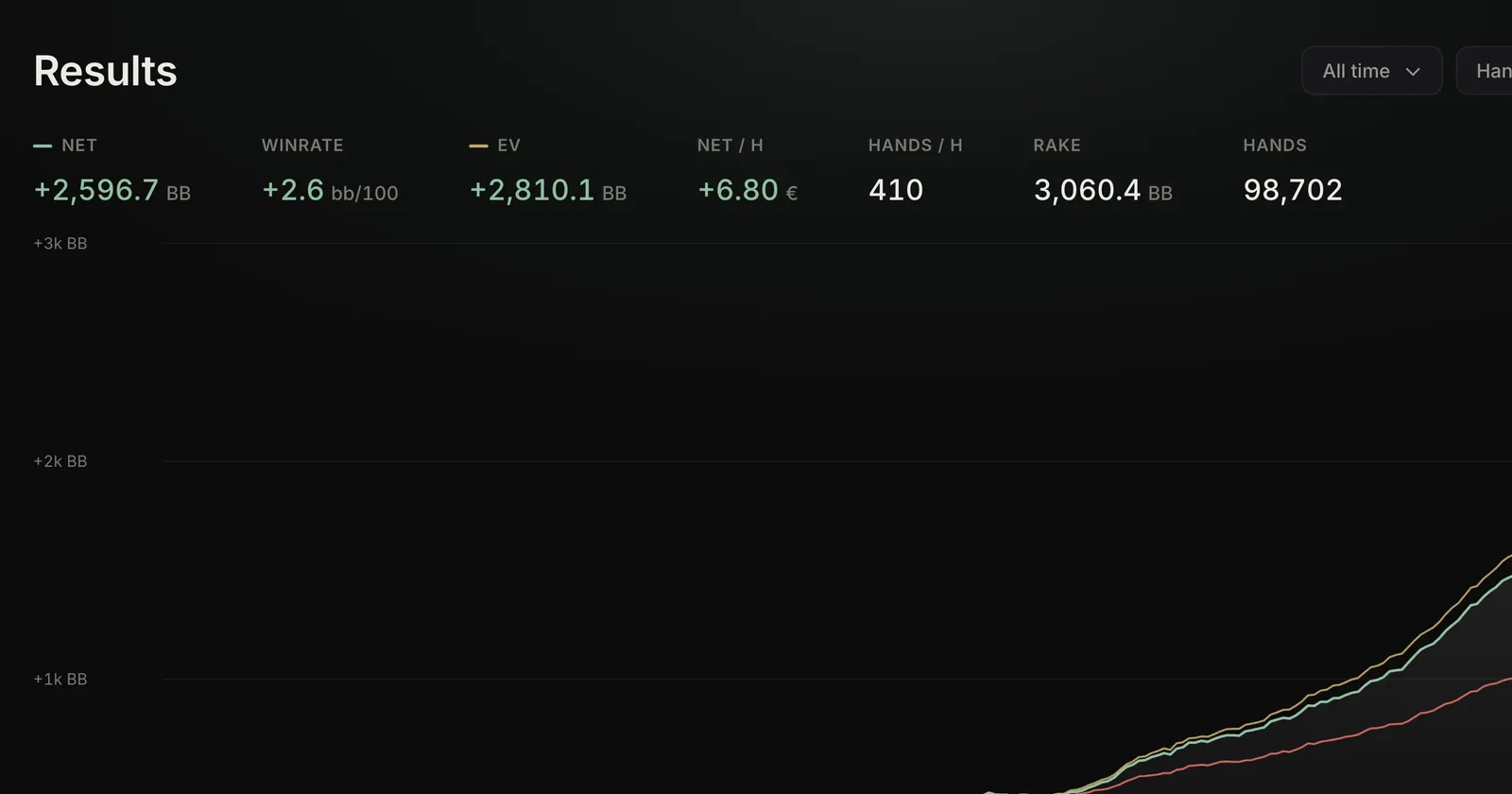
GrindLab is a decision tool. The Tracker imports your hands and produces your results and stats, but its job is also to feed the Lab, where you build your opponent's range and read the EV of each action. The Lab is not a solver: it looks for the most profitable play against that player. Our article on the poker solver explains the difference.
What Holdem Manager 3 does better
The HUD. Deeply configurable, with detailed popups and support for many rooms. It is its main advantage over GrindLab, whose HUD works only on Winamax today.
Reports. A local database allows very fine queries and reports over histories of several million hands.
Maturity. Years of use by high-volume players, and a community that has documented many edge cases.
Room coverage. A long-standing tracker reads many international rooms. GrindLab Tracker focuses on Winamax, PokerStars, PMU, Unibet and Betclic (via export), with an “Other folder” for the rest.
What GrindLab adds
The Lab on the same account. From My Hands, “Start an analysis” opens the hand prefilled in the Lab: weighted villain range, street-by-street equity, verdict and EV of each action. With Holdem Manager 3, that step takes another program.
No database to maintain. Your hands, sessions and opponent profiles are synced to your account. Changing machines needs no backup or migration, and your hands are also available in the browser.
Native on Mac. GrindLab Tracker runs on Windows 10 and 11 and on macOS 12 or later (Intel and Apple Silicon). Holdem Manager 3 is built for Windows.
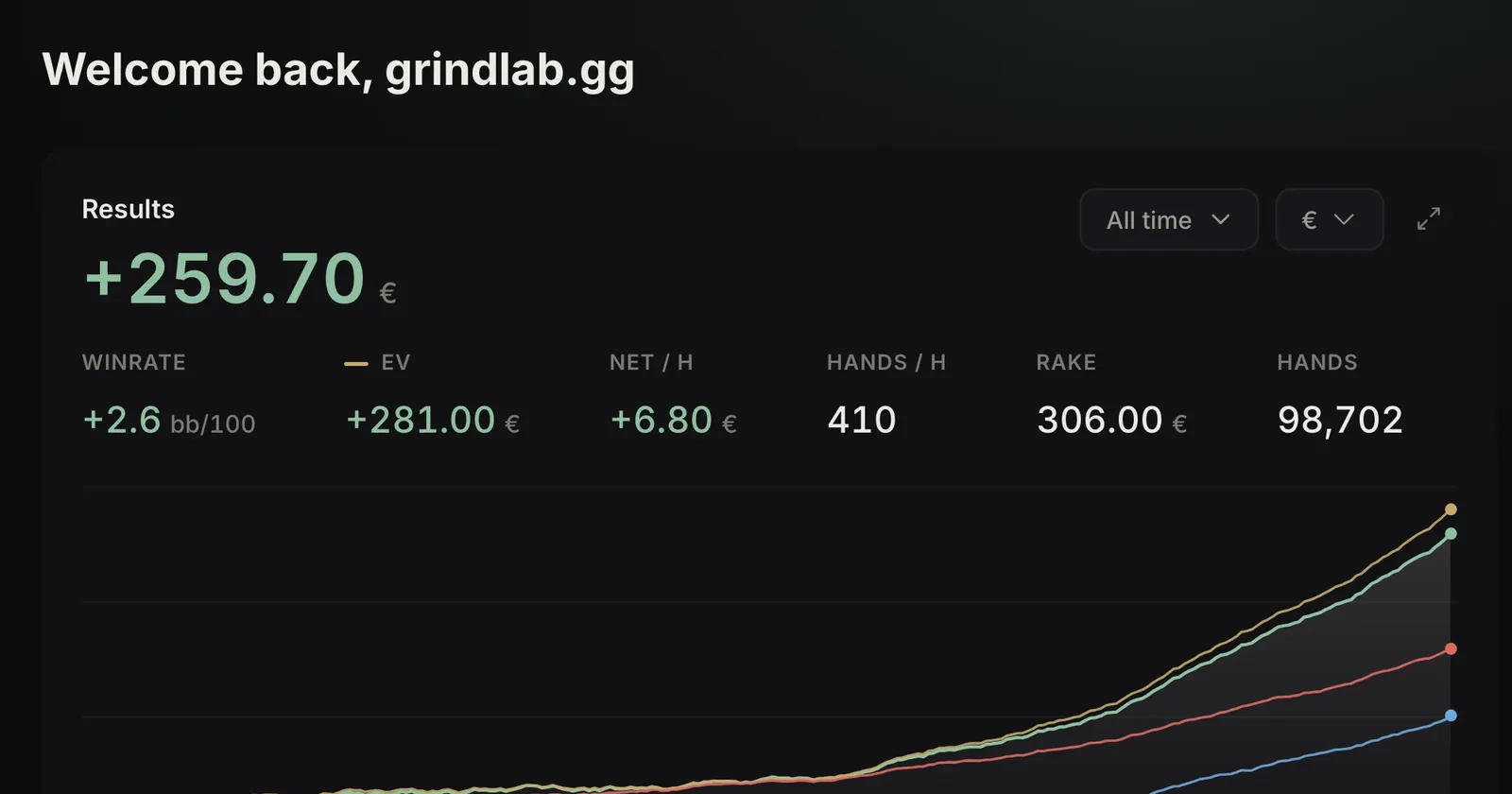
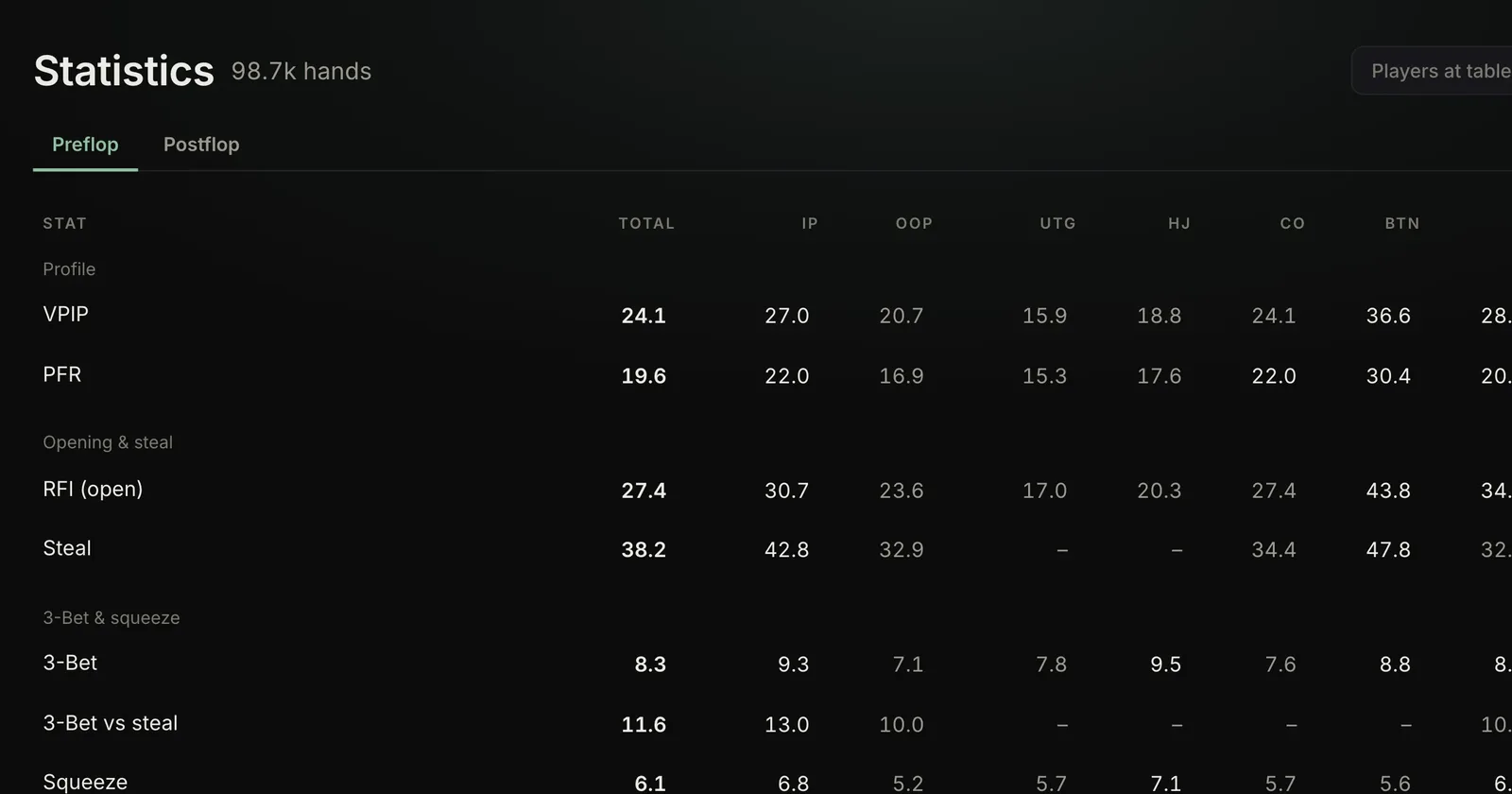
Stats compared with your field. The Statistics page shows around fifty frequencies, by position and by street, tinted when they deviate from your opponents' at the same format and stake. The idea is explained in GrindLab poker stats.
A free plan. The Tracker is free with no hand limit. The Free plan shows your results and seven key stats (VPIP, PFR, 3-Bet, C-Bet, Fold to C-Bet, WTSD, W$SD) over the last 30 days; the Grinder plan opens the rest, HUD included. Pricing: pricing page.
Several languages. Interface, stats and guide exist in English, French and Spanish.
Comparison table
| Criterion | GrindLab Tracker | Holdem Manager 3 |
|---|---|---|
| Model | Free plan with no hand limit, Grinder subscription | Paid |
| Platforms | Windows and native macOS | Windows |
| Import | Followed folders (Betclic via export) | Followed folders |
| Storage | Synced account | Local database |
| HUD | Winamax, Grinder plan: 3-stat plate, hover card, notes, hand marking | Highly configurable, multi-room |
| Statistics | ~50 stats by position and street, compared with your field | Very large library |
| Database reports | Filters by spot, combo, opponent (Grinder), tags | Advanced reports and filters |
| Equity and EV analysis | Yes, the Lab | Not built in |
| Ranges | Editor, folders, file import | No |
| Sharing | Links, circles, hideable screen names | Export |
| Languages | EN, FR, ES | Mainly English |
The daily workflow
Take a hand from last night: you called a big river bet with a medium pair.
With Holdem Manager 3: you find the hand, look at the opponent's stats, and see that they rarely bluff the river. The diagnosis is made; to put a number on the call, you need another tool.
With GrindLab: during the session, the HUD's bookmark (on Winamax) or the My Hands menu marked it “to review”. You open it in the Lab, build that opponent's river range from their profile and player type, and read the EV of calling and folding. Finding and deciding happen in the same tool. The Lab is closed during a live session: the analysis comes afterward.
The database question
This is the least visible point and, in daily use, one of the most structural.
A local database gives Holdem Manager 3 its power: any query, over any period, without depending on a server. It also has an upkeep cost. You have to back it up, move it when you change computers, watch it as it grows, and sometimes repair it after a system update.
GrindLab makes the opposite choice. Hands are sent to your account while you play, and the dashboard, curve and stats open quickly even with a large history. You lose the ability to write arbitrary queries; you gain never having to deal with the database again. Filtering still goes deep: in My Hands, the “Spot” filter describes a line street by street, and a filter can be saved for next time. See organize your poker hand database.
The trade-off is simple: query power versus zero maintenance. If you play on two machines, or want to check your hands from the browser, the balance tips quickly.
Trying GrindLab without leaving Holdem Manager 3
Nothing forces you to choose on day one. The most common transition runs in parallel:
- Install GrindLab Tracker from the Tracker page and sign in with Google or Discord.
- Point it at your room's hand history folder, the one Holdem Manager 3 already reads. The Tracker imports the existing history, then follows new hands. Neither program modifies the files.
- Play as usual with your regular HUD.
- After the session, open two or three hands that made you hesitate in the Lab and compare your line with the computed EV.
- After a few weeks, look at which tool you actually open. That is the best answer to the question this comparison asks.
The import steps are detailed in import hand histories into GrindLab.
Verdict: which one fits your profile
You are a beginner. GrindLab. The free Tracker is enough to see your real results, and the Lab teaches you to think in ranges. A very detailed HUD adds little until you have volume against the same players. See who is GrindLab for.
Cash regular on Winamax. GrindLab on the Grinder plan: HUD on your tables, player profiles and analysis of marked spots on one account.
High-volume cash regular across several rooms. Holdem Manager 3 (or another long-standing tracker) for the HUD on all your rooms, and GrindLab alongside for study. Both read the same files.
Tournament player. Both import your MTTs. GrindLab adds tracking of tournament results and a Lab that includes the ante and bounty, with no ICM model: for ICM, use the public ICM calculator.
Coach. GrindLab, for circles: your students share their hands there and get your reviews. Founding a circle requires the Grinder plan.
Mac player. GrindLab, without hesitation: native, signed, no virtualization. See Mac poker tracker.
Key takeaways
- Holdem Manager 3 stays ahead on the multi-room HUD and local database reports.
- GrindLab ties tracking to equity and EV analysis on the same account.
- GrindLab Tracker is free with no hand limit, native on Mac, and needs no database upkeep.
- GrindLab's HUD works on Winamax, on the Grinder plan.
- The two coexist without conflict.
To place these two tools in the wider market, see our overview of the best poker software, or the comparisons GrindLab vs PokerTracker 4 and GrindLab vs Hand2Note. To try it, download the free poker tracker.