GrindLab vs Poker Copilot: The Trackers That Love the Mac
For a long time, playing online poker on a Mac meant giving up on a tracker, or running a virtual machine. Poker Copilot made its name by filling that gap: a tracker with a HUD built for macOS, now also available on Windows.
GrindLab Tracker shares that standard: it runs natively on both systems. But it does not stop at tracking: it ties your hands to an analysis tool. If you are looking for a Poker Copilot alternative, this comparison sticks to what is well known about Poker Copilot; for its current list of rooms and plans, check the publisher's site.
What Poker Copilot does
Poker Copilot is a tracker with a HUD, on macOS and Windows, and paid. It imports your hand histories, computes your stats and your opponents' stats and shows them on your tables. Its history makes it one of the best-known tools among Mac players.
For a player who wants a classic, familiar tracker on Mac, it is an established option.
What GrindLab Tracker does
GrindLab Tracker is GrindLab's desktop app, on Windows 10 and 11 and macOS 12 or later (Intel and Apple Silicon, signed and notarized, automatic updates).
- Automatic import from the Winamax, PokerStars, PMU and Unibet folders; Betclic via export; an “Other folder” for the rest. Details in import hand histories into GrindLab.
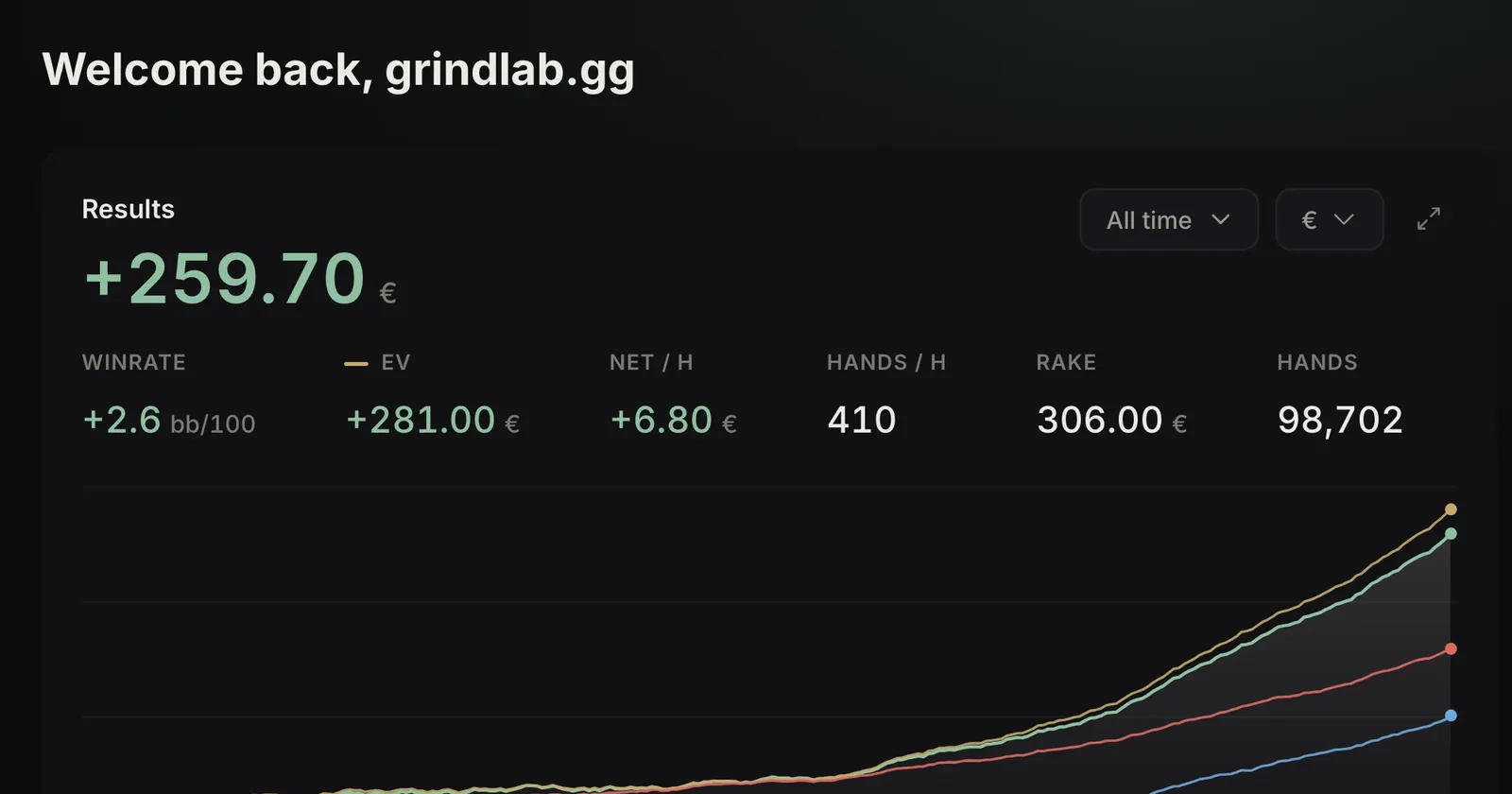
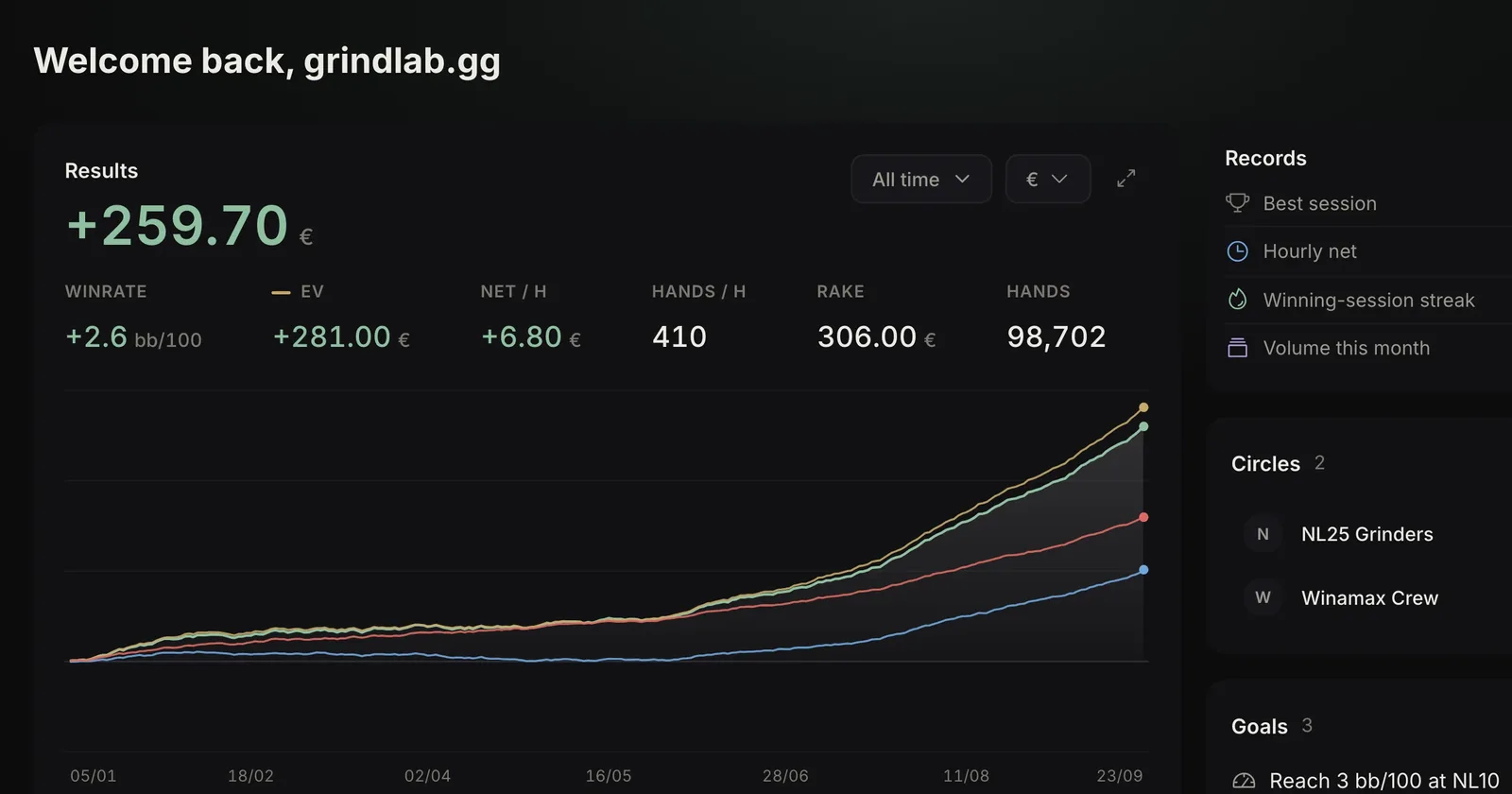
- Results, sessions, tournaments: winnings curve, sessions, MTT and Spin results.
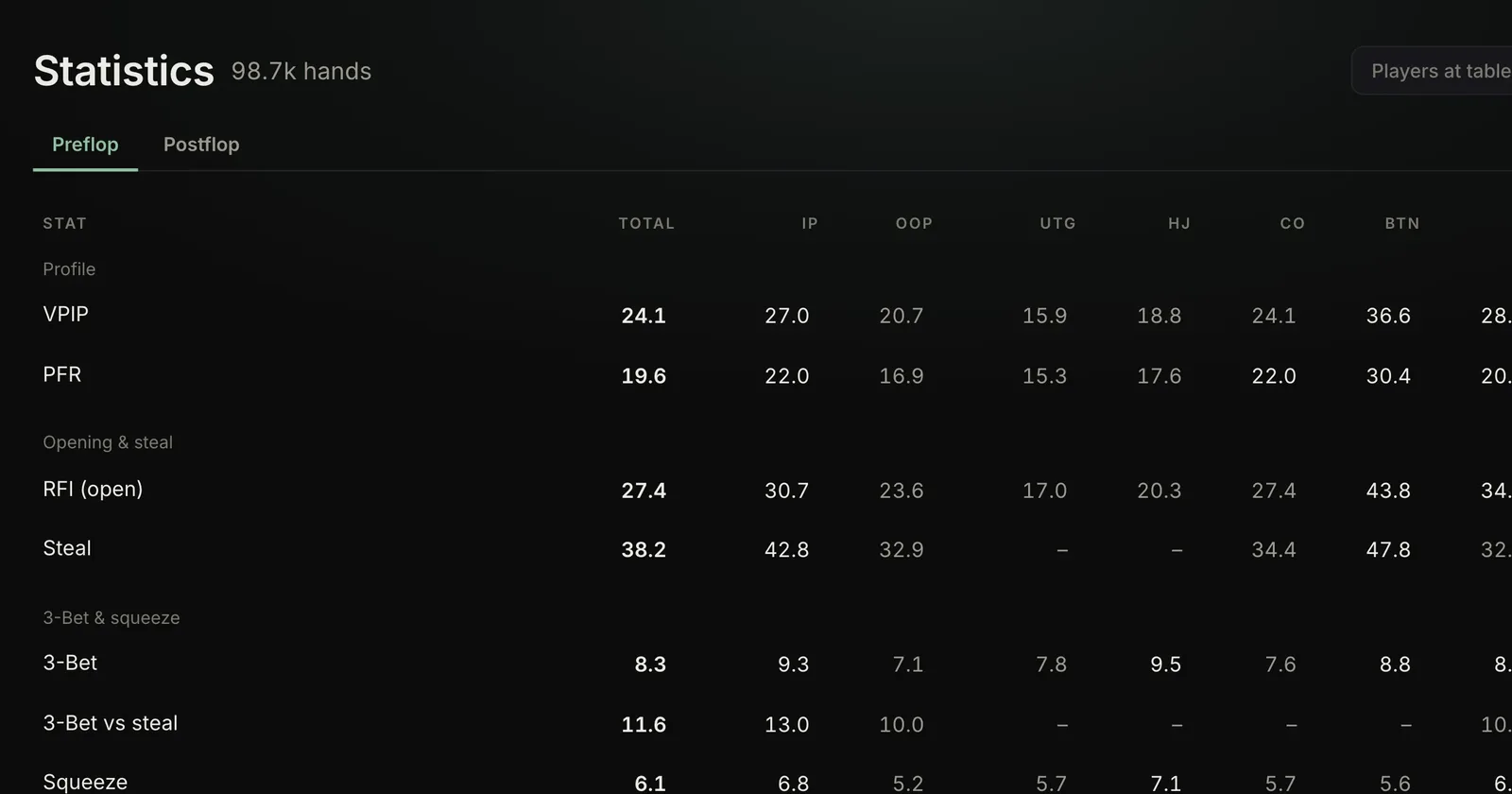
- Around fifty statistics, by position and by street, compared with your field.
- Opponent profiles, player types and notes.
- A HUD on Winamax (Grinder plan): a three-number plate, a hover card, typed or dictated notes, marking of the previous hand.
Everything is synced to your account: your hands follow you from one machine to the next and are also available in the browser.
The real difference: the Lab
A tracker tells you what happened. GrindLab's Lab helps you decide what you should have done.
From My Hands, “Start an analysis” opens the hand prefilled in the Lab. You build the range you assign to your opponent, based on their profile and player type, and the Lab computes street-by-street equity, a verdict and the EV of each action.
The Lab is not a solver: it does not compute an equilibrium strategy, it prices the exploitation of a real opponent. Our article on the poker solver explains why the two approaches complement each other.
On a Mac: what changes day to day
Since that is often why people compare these two tools, here is what GrindLab Tracker means on macOS.
Installation. A .dmg signed and notarized by Apple, for Intel and Apple Silicon, from macOS 12. No virtual machine, no emulation.
Updates. The new version downloads in the background; “Install & restart” applies it, otherwise it installs when you quit.
Permissions. The HUD asks for the “Screen Recording” permission (System Settings › Privacy & Security). That is the name macOS gives to reading the tables' position and title: no picture is taken. Note dictation asks for microphone access, the first time only.
Shortcuts. They follow Mac conventions: ⌥ S marks the previous hand, ⌥ H turns the HUD off or on, ⌥ P places the plates.
Quitting. Like many Mac apps, the Tracker keeps running when you close its window, until you quit it. Quitting during an import asks for confirmation, and the import resumes at the next launch.
Streamer mode. If you stream with OBS or another program, the Tracker detects it and offers to hide screen names and amounts. The HUD stays visible to you but is excluded from captures, unless you choose to show it.
Stats you read against your field
A number on its own says little: is a 24% VPIP normal? It depends on the stake and the number of players at the table.
GrindLab's Statistics page answers that. Every frequency, by position and by street, is tinted blue or orange when it deviates from your field: the opponents you have faced, at the same format, the same stake and the same number of players. A tooltip shows the raw counts, and a click opens the hands behind the number. It is often the fastest way to spot a leak, as explained in find poker leaks.
On the Free plan, seven key stats are visible over the last 30 days; the others are blurred and open with Grinder.
Trying GrindLab without giving up Poker Copilot
- Install GrindLab Tracker from the Tracker page and sign in with Google or Discord.
- Add your room and point it at its hand history folder, the same one Poker Copilot reads. Neither program modifies the files.
- Play as usual, with your regular HUD.
- After the session, open the hands that made you hesitate in the Lab.
- Take stock after a few weeks: which tool did you actually open?
Comparison table
| Criterion | GrindLab Tracker | Poker Copilot |
|---|---|---|
| Platforms | Windows and native macOS | macOS and Windows |
| Model | Free plan with no hand limit, Grinder subscription | Paid |
| HUD | Winamax, Grinder plan | Yes (rooms: see publisher) |
| Import | Followed folders (Betclic via export) | Followed folders |
| Storage | Synced account, available in the browser | See publisher |
| Equity and EV analysis | Yes, the Lab | See publisher |
| Ranges | Editor, folders, file import | See publisher |
| Sharing and review | Links, circles | See publisher |
| Languages | EN, FR, ES | See publisher |
The real cost of a tracker
A paid tracker pays for itself quickly above a certain volume, but at NL2 or NL5 its price can be a real share of your expected winnings. Before buying, ask yourself two questions: how many hands do you play per month, and at what stake? Then compare with the tool's yearly cost.
GrindLab separates the two needs. Collecting hands is free and unlimited on every plan: you never lose your history. What you pay for, with Grinder, is reading depth (every stat, any period, player profiles) and the HUD. Our guide to poker bankroll management helps put that cost in perspective.
What GrindLab does not do
To be honest, on these points a classic tracker may suit you better:
- A HUD on rooms other than Winamax. If you mostly play elsewhere and the HUD is your priority, GrindLab will not show one.
- Omaha. GrindLab covers No-Limit Texas Hold'em only.
- The free plan has limits. On Free, stats are limited to seven key stats over 30 days, in BB. The rest needs Grinder (pricing on the pricing page).
Verdict: which one fits your profile
You are a beginner, on Mac or PC. GrindLab. The Tracker is free with no hand limit, and the Lab teaches you to think in ranges rather than single hands. See who is GrindLab for.
Cash regular on Winamax. GrindLab on the Grinder plan: HUD, profiles and analysis on one account.
Regular on a room where GrindLab has no HUD. If the HUD is essential, Poker Copilot (or another tracker) for the tables, and GrindLab alongside for study: they read the same files.
Tournament player. GrindLab tracks your tournament results and adapts the HUD plate to the format (VPIP, PFR and steal in tournaments). For ICM, the public ICM calculator takes over.
Coach or study group. GrindLab, for circles: hand sharing, reviews, hideable screen names.
You play on two machines. GrindLab: no database to move, everything is synced.
Key takeaways
- Poker Copilot and GrindLab Tracker both run on Mac and Windows.
- Poker Copilot is a classic paid tracker with a HUD.
- GrindLab Tracker is free with no hand limit, with a Winamax HUD on the Grinder plan.
- The core difference: the Lab, which turns a marked hand into a priced decision.
- The two coexist on the same hand histories.
To go further, see our Mac poker tracker guide, the overview of the best poker software and the comparison GrindLab vs PokerTracker 4. To try it: download the free poker tracker.